

Weekend schedule
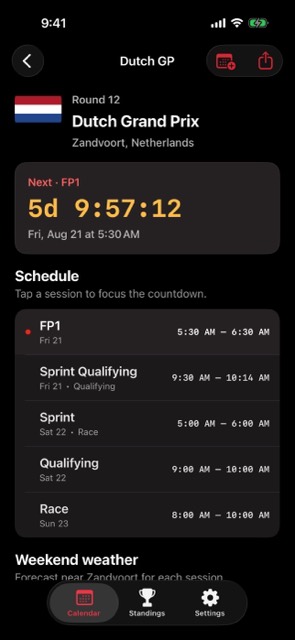
See each Grand Prix weekend as a clean sequence of practice, qualifying, sprint, and race sessions.
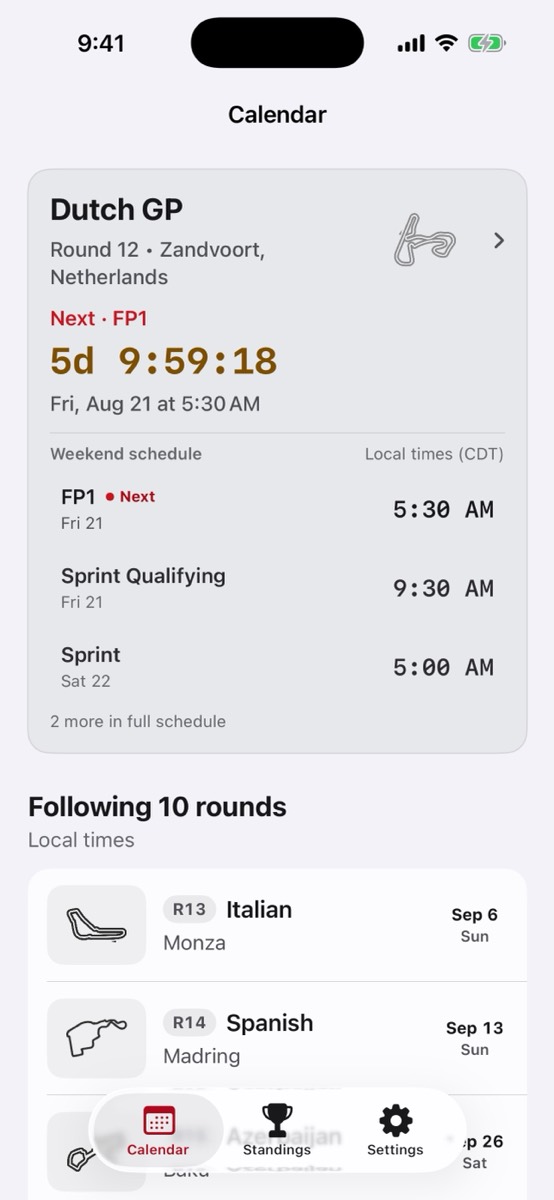
A focused iPhone app for Formula 1 session times, race weekends, countdowns, results, standings, and calendar exports.
Know every session before the weekend starts.
See each Grand Prix weekend as a clean sequence of practice, qualifying, sprint, and race sessions.
Open the app for the next session, countdown, and round context without rebuilding your own calendar.
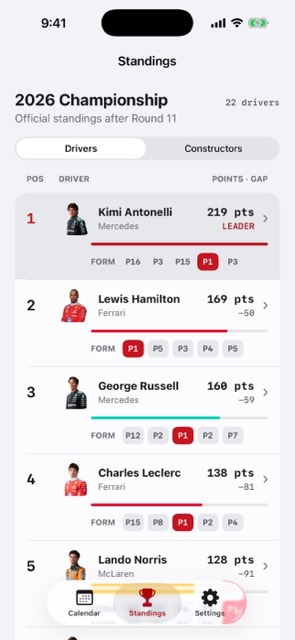
Move from upcoming sessions into results and standings when the race weekend is done.
Current app experience
Choose Spoiler-Free Mode during the first-run setup or change it later in Settings. Finished-race summaries, pre-race result updates, and current standings stay behind an explicit reveal when the mode is on.
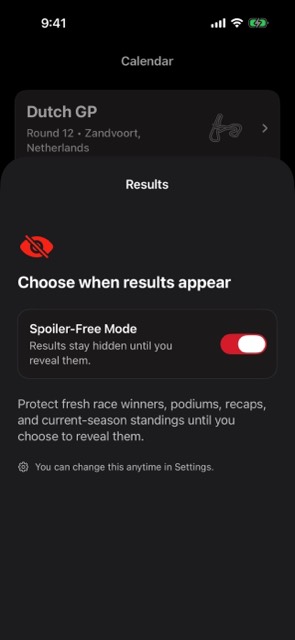
The app is ready for useful schedule checks as soon as it opens.
Install F1 Race Calendar from its calendar-focused App Store product page.
Keep Spoiler-Free Mode on if you want finished-round results and standings hidden until you reveal them.
Open the current year, select a Grand Prix, and use the session list or Add to Calendar action.
The iPhone and iPad season calendar, standings, results, archive, and Apple Calendar export stay available without Race Calendar Pass. The pass is the optional Apple TV and Home Screen upgrade.
The calendar view keeps the season scannable: upcoming rounds first, finished weekends subdued, and the race-weekend details one tap away.
Open the app and see what matters next without digging through broadcast articles.
Check the weekend once, then come back when practice, qualifying, sprint, or race time is close.
Keep the season schedule, results, and standings in one compact iPhone app.
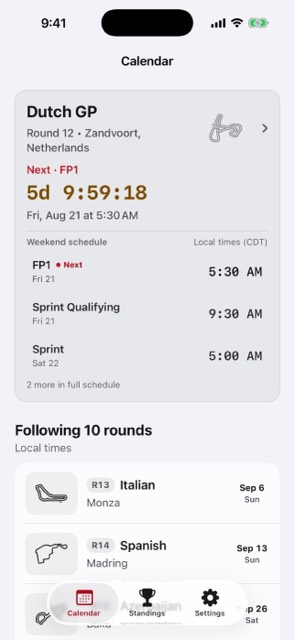
Yes. The app is built around the Formula 1 season calendar with race weekends, sessions, and local-time viewing.
The app keeps practice, qualifying, sprint, and race sessions grouped by Grand Prix weekend.