

Home Screen glance
Keep the next race-weekend session visible where you already check your phone.
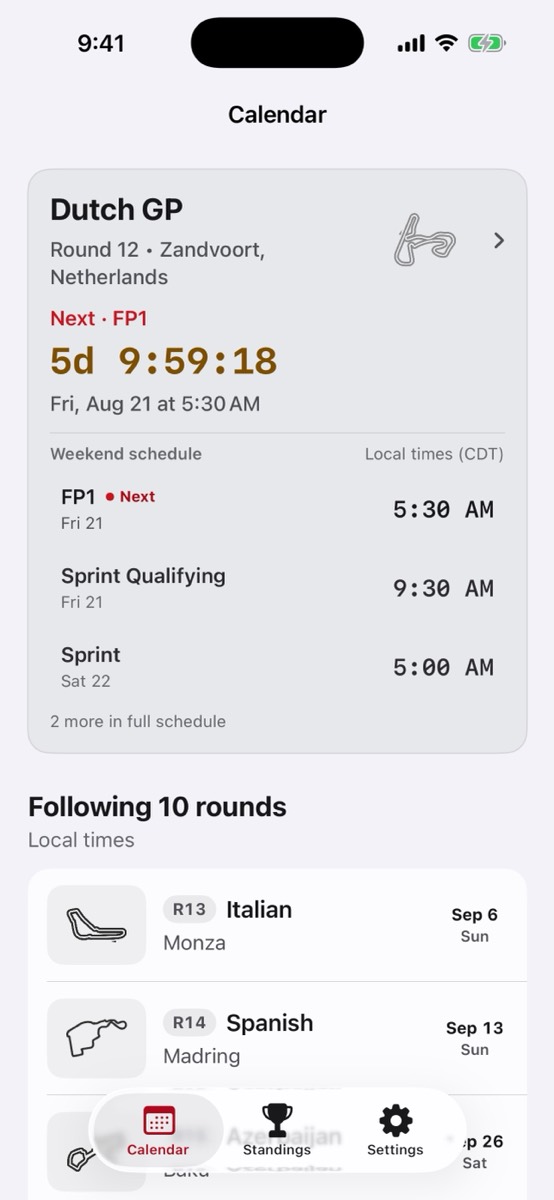
Put Formula 1 session timing on your iPhone Home Screen with F1 Race Calendar and the optional widget unlock.
A glanceable F1 session widget for iPhone race weekends.
Keep the next race-weekend session visible where you already check your phone.
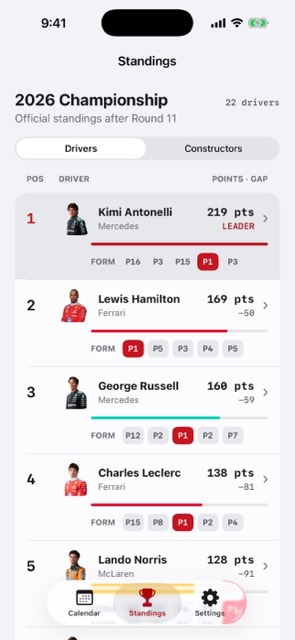
Use the full app when you need the complete weekend schedule and standings.
The widget is an optional unlock for fans who want race timing outside the app.
Current app experience
The app confirms when Race Calendar Pass is unlocked, the Home Screen widget is present, and its schedule is current. The setup guide stays available if iOS has not detected the widget yet.
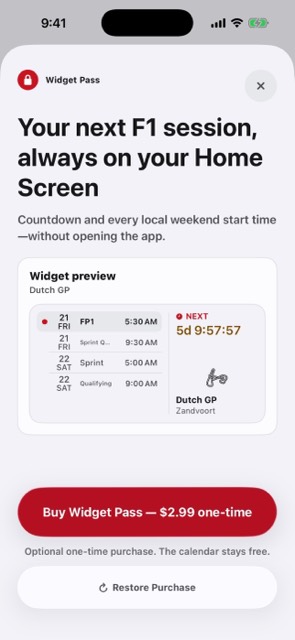
Race Calendar Pass is purchased and restored in the app, then the widget itself is added through iOS.
Open Race Calendar Pass in the app and purchase it, or restore an existing purchase from the same App Store account.
Touch and hold an empty Home Screen area, tap Edit, then Add Widget, and search for F1 Calendar.
Tap Add Widget, place it, tap Done, then return to the app to confirm the active state.
Race Calendar Pass is a one-time optional upgrade tied to the App Store account. The app cannot add a widget automatically, and the core iPhone and iPad calendar, standings, results, archive, and export do not require the pass.
Use the app as the source of truth, then keep the next session visible from the Home Screen when race-weekend timing matters most.
Glance at the next Formula 1 session without opening the full app.
Keep qualifying, sprint, and race timing visible during busy weekends.
Download the app, then unlock the optional widget pass when the glanceable view is worth it.
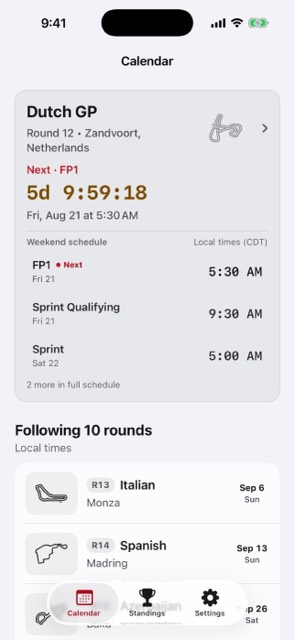
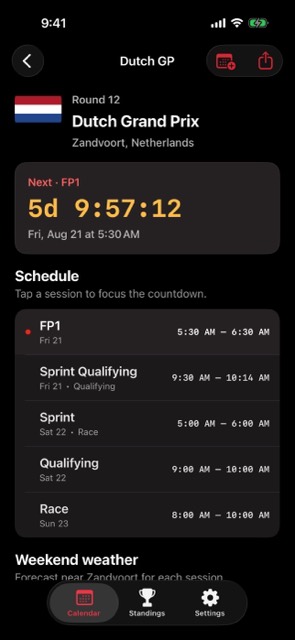
Download the app first. The widget experience is available through the optional Race Calendar Pass in the app.
The widget is designed around the next relevant Formula 1 session so race-weekend timing stays glanceable.